Download the APK directly to your Android device. Free trial included — no credit card needed to start.
This APK is signed by Prime Services and served securely from our cloud storage. Learn more about our data practices.
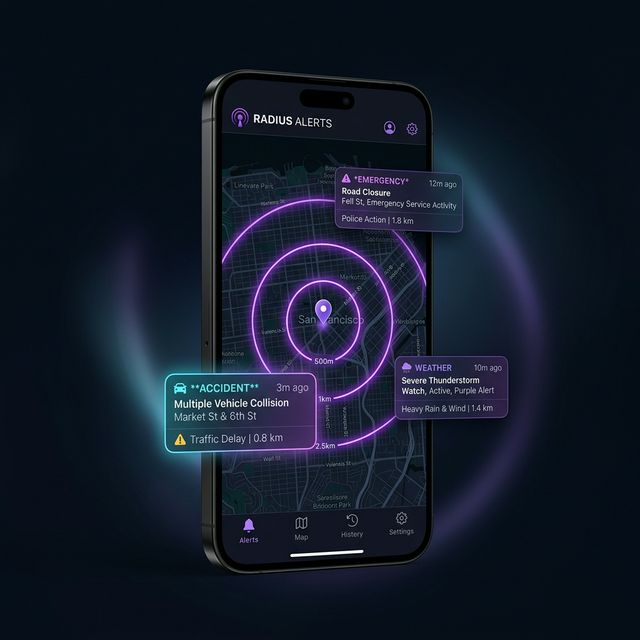
Android blocks unknown APKs by default for safety. Here's how to install ours in 3 easy steps.
Tap the "Download APK" button above. Your browser will download the .apk file and save it to your Downloads folder.
On Android, open Settings → Security (or Settings → Apps → Special App Access → Install Unknown Apps). Enable "Allow from this source" for your browser or file manager.
Open your Downloads folder, tap the RadiusAlerts.apk file, and tap Install. Once done, tap Open to launch the app and sign in.
Yes. The APK is digitally signed by Prime Services and hosted on our secure cloud storage. You can verify the package signature in your device settings after installation.
Direct APK distribution lets us ship updates faster, integrate Razorpay directly for Indian payments, and avoid Google's 30% billing fee — savings we pass on to you with lower subscription prices.
The app checks for updates automatically and will notify you when a new version is available. You can also revisit this page to download the latest APK anytime.